Viewing Prescription Counts
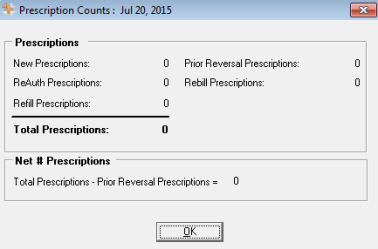
The Calculator button on the Workbench opens the Prescription Counts window. Prescription Counts indicates the net number of prescriptions that have been processed for the time period currently displayed on the Workbench (the period is shown in the window's title bar at the top).
Net Sales Analysis
The counts correspond to the Net Sales Analysis and indicate values for New, ReAuth and Refill prescriptions, as well as Prior Reversal and Rebilled prescriptions. Prescription counts are not available for converted prescriptions. When the window is opened for either type of prescription, the counts indicate ‘N/A’ and the indicator *DATA CANNOT BE CALCULATED* is displayed.
Security for Prescription Counts
Access to the Prescription Counts button is restricted by the Net Sales Analysis report security settings. Since this window displays the same prescription counts as the Net Sales Analysis, it follows that any users who do not have access to the Net Sales Analysis will not have access to the Prescription Counts button.